01
Choose original photos
Choose photos directly from your phone or computer. Supports JPEG, PNG, and iPhone HEIC.
Automatically add the date and days since birth, so every printed photo remembers how little they were.
Enter their birthday once. Every photo gets its age. Photos stay on your device—never uploaded.

Day 8
2025 · 08 · 12

6 months 3 days
2026 · 02 · 07
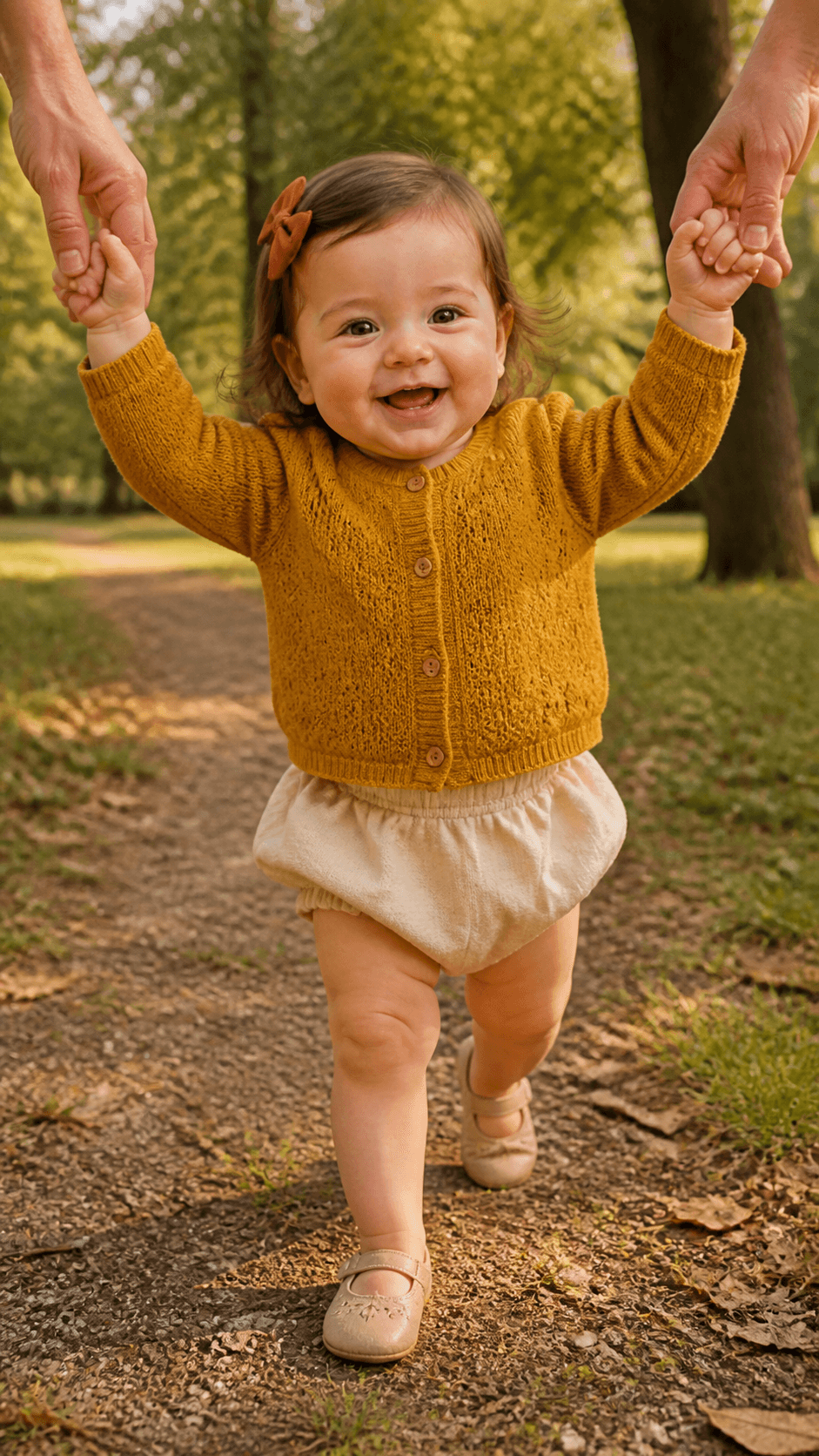
1 year old
2026 · 08 · 04
Three simple steps
Choose photos directly from your phone or computer. Supports JPEG, PNG, and iPhone HEIC.
Each capture date is read automatically to calculate the baby's age or exact days since birth.
Set the text and stamp style once, then batch-export at the original image size.
Batch-add the date and days since birth to a year of baby photos, then export them for prints and albums.
Years later, every photo tells you how little they were—no calendar math. Share with family, and they can follow each stage at a glance.
Want a printed keepsake? Plus also unlocks PDF albums.

I made my own Apple Shortcut, but it kept getting my baby's age wrong because months have different lengths. With BabyMoment, the age is calculated from the photo date. One click added age stamps to hundreds of photos.

I want to print thousands of baby photos. Without age stamps, I won't remember how old my child was in each one. The apps on my phone can't process thousands of photos at once. With BabyMoment, I can add age stamps to thousands of photos in just a few clicks.

I wanted to organize my baby's photos before printing them. Neither my phone nor my tablet could add dates automatically. BabyMoment does it automatically, it's affordable, and I've recommended it to my friends.

My baby is only three months old, and a growth album is a long-term project. I add age stamps so I can send the photos off to print. Being able to customize the stamp font and color in BabyMoment is great for printed photos. Once I have the prints, I even delete the stamped files.
Processed photos keep the original clarity and are not compressed into small images. The export is a new file; your originals stay on your device and are never overwritten. Thumbnails on the page are preview-only. The export is ready to print or archive.
Yes. BabyMoment is a web-based tool — no app or software to install. Open it in a browser on Windows, Mac, iPhone, iPad, or Android. Processing stays local, and exports are copies that do not overwrite originals.
BabyMoment first reads EXIF capture metadata, then tries the filename if metadata is missing. Photos saved or forwarded through messaging apps may lose this information. If a date is still missing, choose “Set dates” in the photo panel and enter the actual capture date for each photo. You can also edit an existing date. Saving updates the date stamp and baby’s age without changing the original file or its EXIF metadata. Confirm dates against reliable records; a file’s modification time is not necessarily its capture time.
You can import up to 500 photos at a time—enough to tidy a whole album, not just a handful. If you have more than 500, import in batches and they will be merged.
We support PNG, JPEG, and Apple HEIC/HEIF. HEIC/HEIF files are converted to JPEG locally before processing; the original capture date is read on import for sorting and watermarks. We recommend original phone photos for the most accurate date information.
Watermarked photos (ZIP), videos, and PDFs download to your device’s default download folder. Check your browser download history or file manager.
No. Your photos are processed only in the browser on your own phone or computer. They do not need to be uploaded to BabyMoment's servers and are never sent to us over the internet. We cannot see or store your photos; the watermarked photos, videos, and PDFs you create download directly to your device.
BabyMoment is independently built by a parent whose child had just turned one. It began as a way to batch-add capture dates and exact day counts to baby photos already taken, without uploading the originals to a server, and it continues to improve through feedback from real families.
When my baby turned one, I wanted to add the days since birth to a year of photos. Doing the math one by one took too long, and I didn’t want to upload the originals. So I built BabyMoment. I hope it helps you spend less time organizing and more time making memories.